

 Get started
 How-to guides
 Reference
 Concepts
 Self-host gallery
 Appendix
Starter Kits category of the template catalog holds seven small multi-service templates. Unlike the rest of the catalog, where each entry deploys one open-source project, these show wiring patterns across two or three services: a web tier talking to a database, a worker pulling from a queue, a reverse proxy fanning out to backends.
Swap the web, api or worker service’s image: for your own build output. The environment variable names and the depends_on: graph are the part meant to be copied as is.
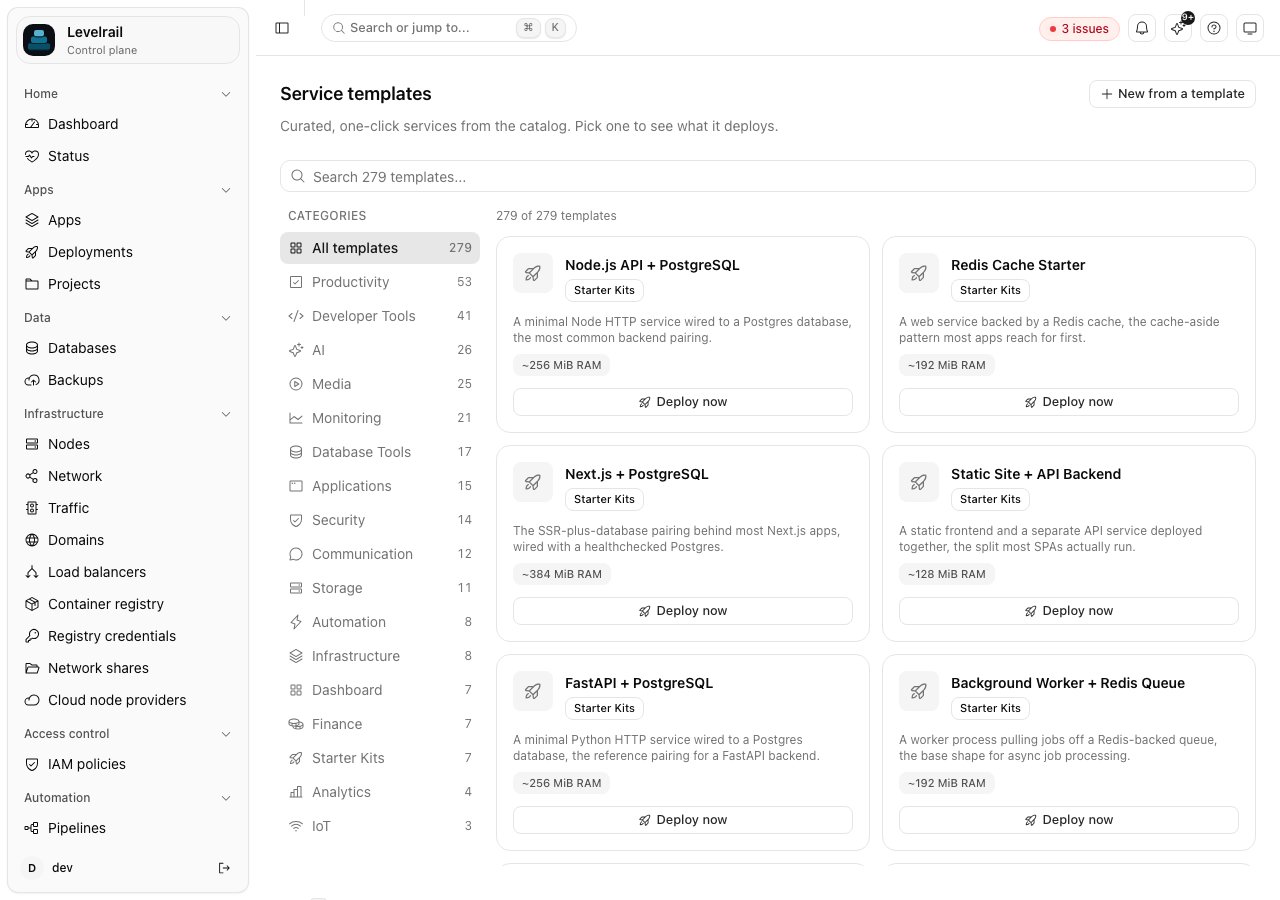
$SERVICE_... variables work, is covered in Templates and registry.
The seven templates
$SERVICE_PASSWORD_* tokens generate a real secret at deploy time, so no credential is stored in the template itself.
Start ordering with depends_on
Every template with a real dependency declaresdepends_on: on it. The reconciler waits until the dependency’s container is running before it creates the dependent service’s container. This is Compose’s service_started behavior: it orders startup but does not wait for the dependency to be healthy, and a condition: key is accepted with no additional effect. In nginx-multi-backend-starter the proxy service depends on both orders and payments.
Deploy one
- Dashboard
- CLI
Go to Apps, choose New app, then Browse templates. Search for “Starter Kits”, pick a template, review the pre-filled Compose body, and deploy.
Caveats
Each template’s Compose body is checked structurally in the test suite (parse, validation, expansion into services, dependency cycles, health check presence). Templates are reference wiring, not production-ready apps: theweb, api and worker services run a minimal server built from their base image’s own runtime (Node’s http module, Python’s http.server) so that nothing needs installing at start. Replace them with your own image.