

 Get started
 How-to guides
 Reference
 Concepts
 Self-host gallery
 Appendix
Before you start
- A running Levelrail instance and the CLI logged in to it (installing).
- An app to connect. This tutorial reuses the
helloapp from Deploy a Docker app. Any app works.
1
Create the database
--engine too. Check that it came up: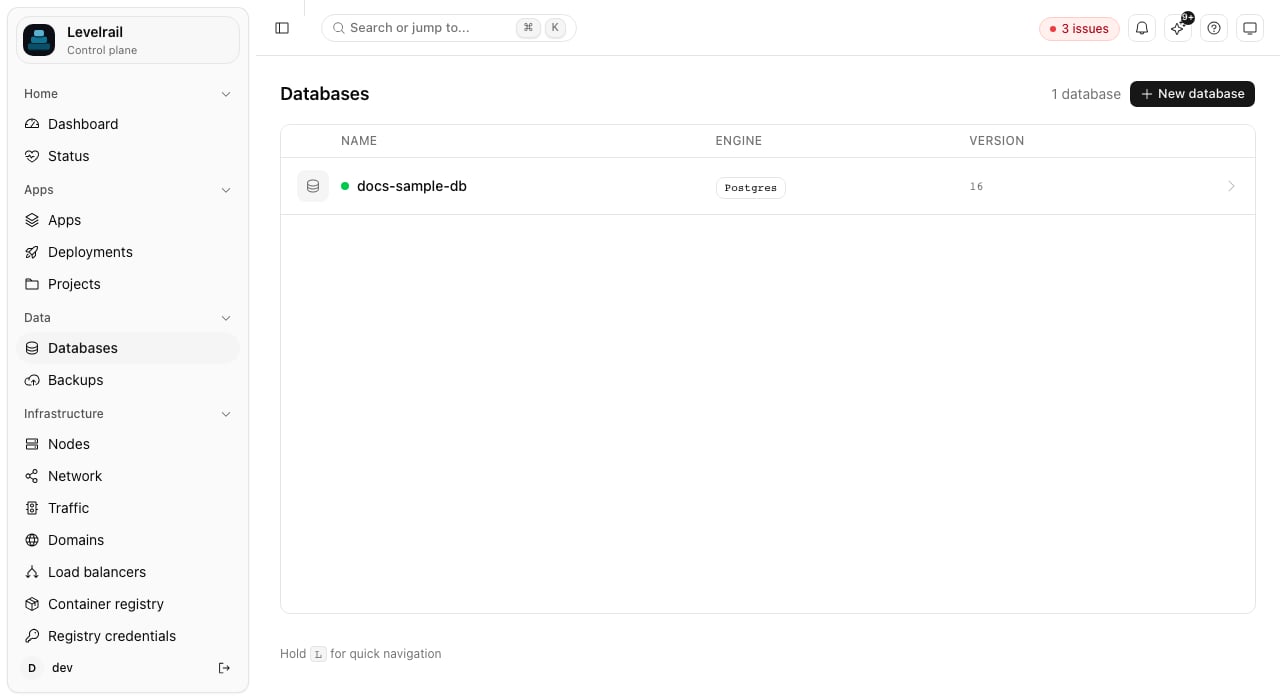
2
Connect the app
MAIN_DB_DATABASE_URL holding the full connection string. List an app’s connections any time:levelrail-cli apps connect hello main-db --field host --env-var DB_HOST injects only the host. The fields are url, host, port, username, password, and database.3
Restart so the app picks it up
The value is injected when a container is created, so restart the app:Wait until The app reaches the database by its container name on a private network, with TLS required. Levelrail generated the credentials, so you never choose or paste a password.If
Ready shows True, then read the variable from inside the running container:apps exec answers app has no running container, the new container is still starting. Wait a few seconds and run it again.What the reachability badge means
apps connections list and the dashboard’s Connections card show whether the app and database are on the same node, on different nodes with the WireGuard mesh configured, or on different nodes with the mesh off. The last case does not connect. See Connecting apps to databases for the full table.
Clean up
Where to go next
- Back up Postgres to S3 and test the restore: protect the data you just connected.
- Managing databases: resources, public access for a GUI client, and slow query tracking.
- Network topology: see every app-to-database connection drawn across your servers.