

 Get started
 How-to guides
 Reference
 Concepts
 Self-host gallery
 Appendix

Before you start
- A running Levelrail instance and the CLI logged in to it (installing).
- A Postgres database. Create
main-dbas in Connect an app to Postgres, or use your own. - A bucket and an access key pair with read and write access. AWS S3, Cloudflare R2, Backblaze B2, and MinIO all work.
1
Connect the bucket as a backup target
--provider is aws, r2, or custom. For r2 and custom, --endpoint is required; for aws it is not. Credentials are write-only: Levelrail never returns them after you save them.Test the connection now, so a bad key shows up today and not at 3am: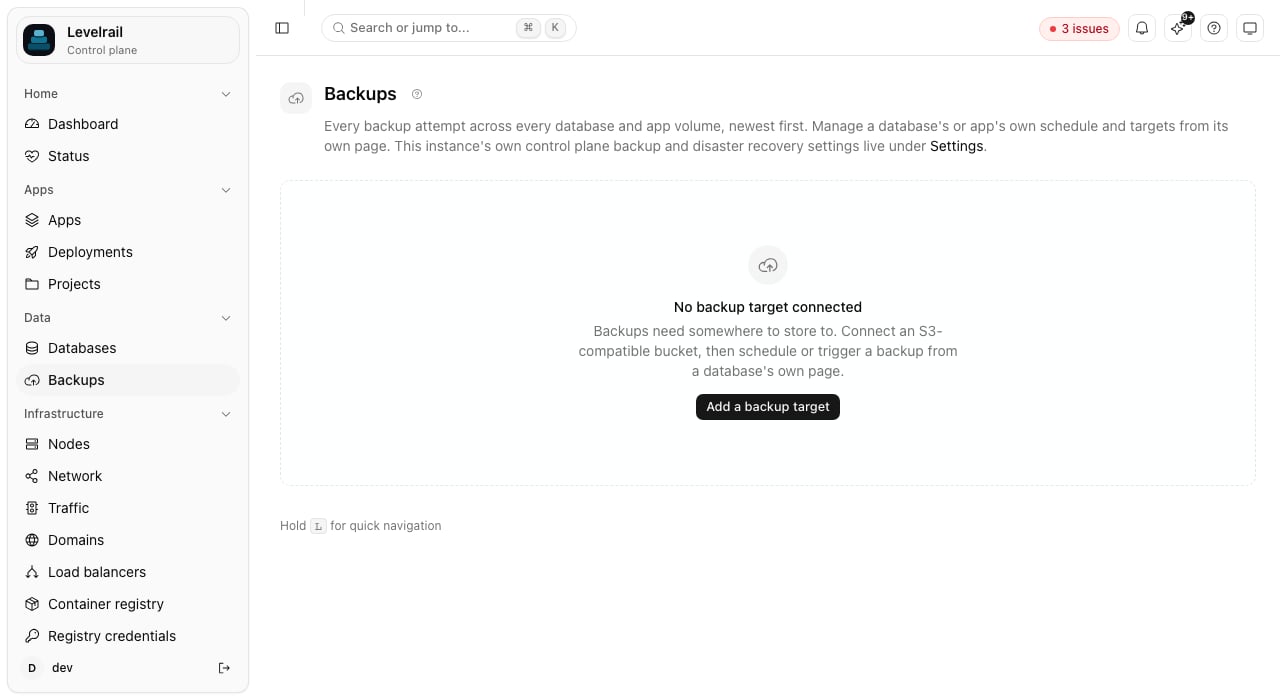
2
Take a first backup
Put something in the database so you can tell whether a restore worked. The Then trigger a backup:
docker exec commands in this tutorial run on the server that hosts the database:3
Schedule the rest
--retain-days prunes by age instead, and the two limits work independently. Setting a schedule replaces any earlier one for that database.4
Verify the backup
5
Restore over the original
Simulate a mistake:Restore from the backup. Restoring overwrites the database, so you must type its name to confirm:The count is
2 again.6
Restore into a new database
Overwriting is the right call when you are recovering. To inspect old data without touching the live database, restore into a copy:Wait for the status to read
succeeded, then query main-db-copy. The live database was never touched.Clean up
Where to go next
- Back up an app’s data volumes: the same target also protects app volumes.
- Backups and storage: retention, instance-wide visibility, and how schedules are stored.
- Control plane backup and disaster recovery: protect Levelrail’s own state.