> ## Documentation Index
> Fetch the complete documentation index at: https://docs.levelrail.com/llms.txt
> Use this file to discover all available pages before exploring further.
# Product tour
> A look at the Levelrail dashboard: apps, deploys, logs, databases, domains and nodes, each with a short explanation.
The screenshots below come from a real running control plane, not mockups. Each one links to the page that explains it.
## Overview
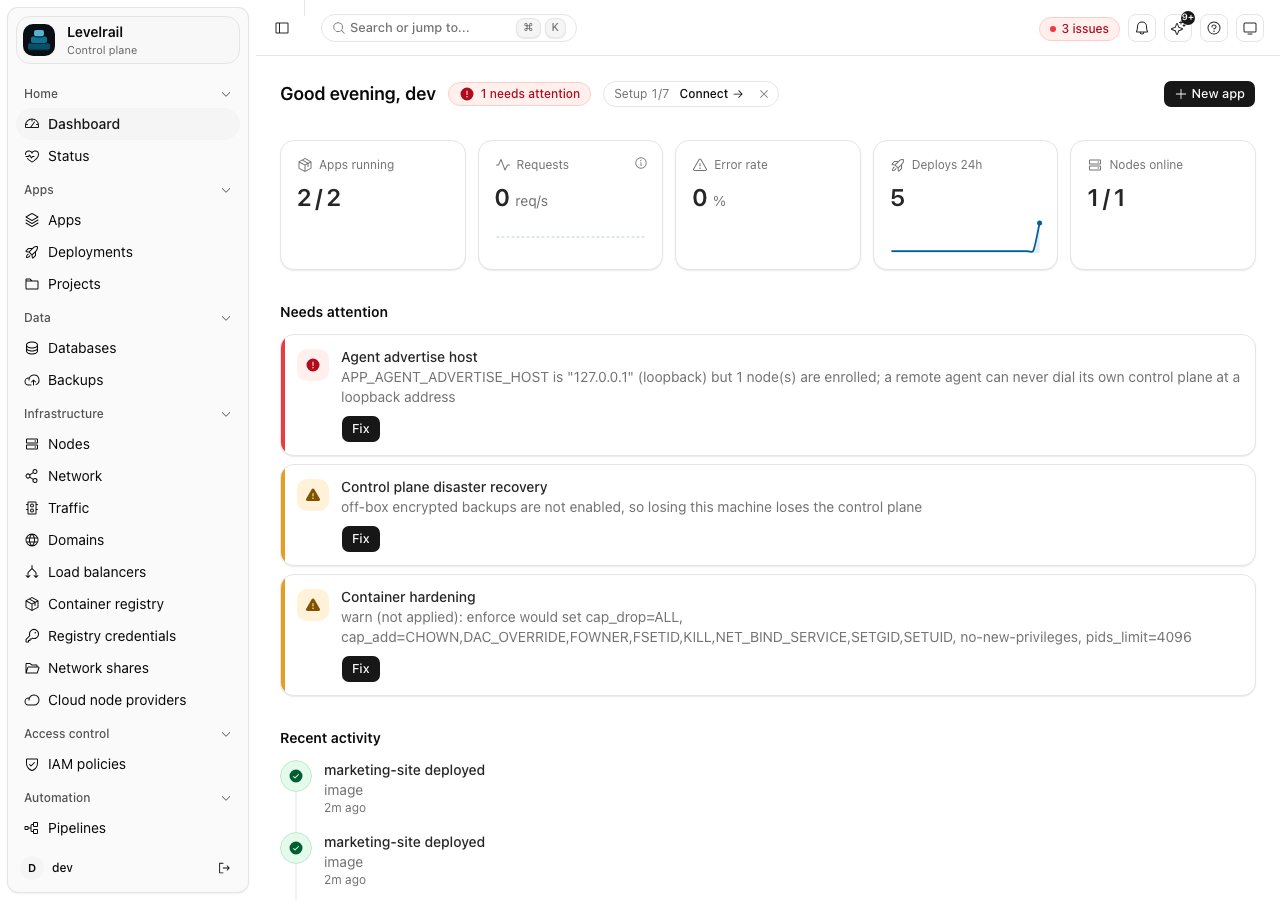
### Dashboard home
Health, needs-attention items and recent activity in one place. Read more in [the guide](/attention-center).
 ### Setup wizard
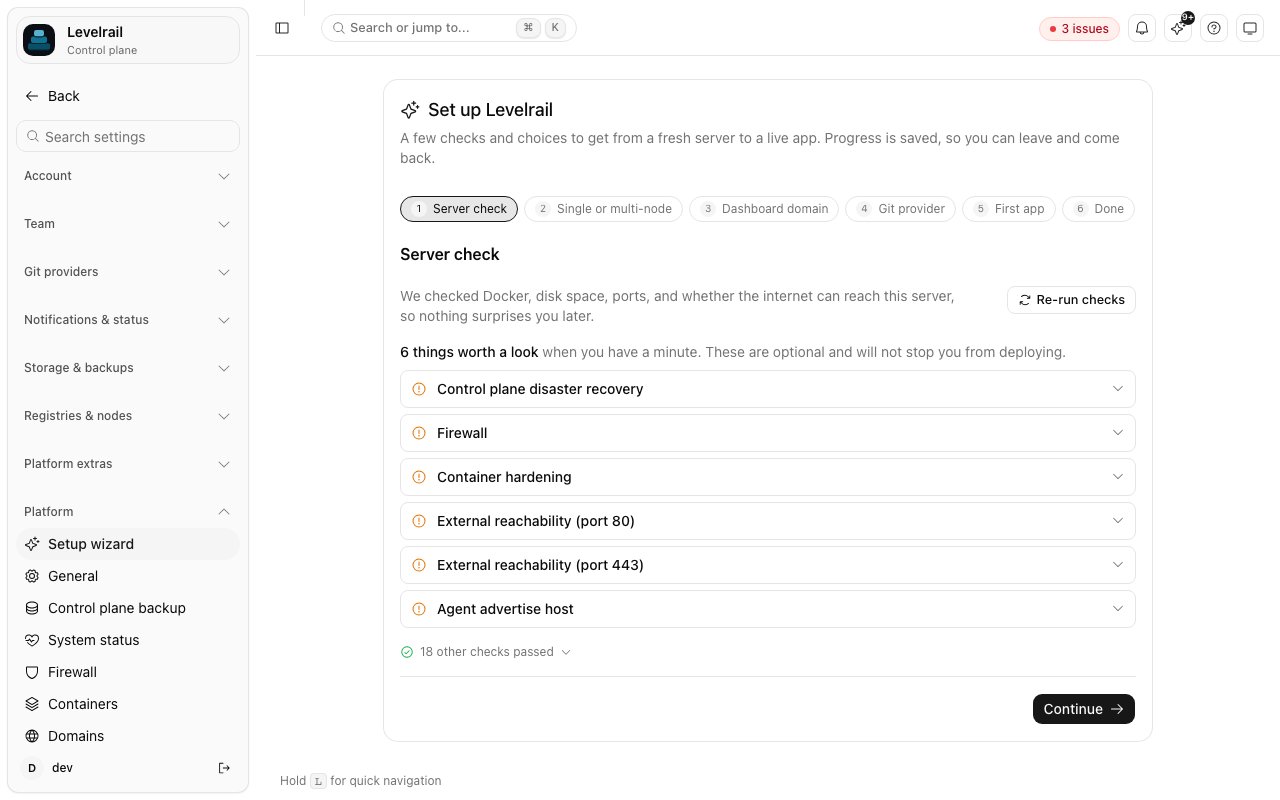
The guided first-run checklist for domain, git and backups. Read more in [the guide](/getting-started).
### Setup wizard
The guided first-run checklist for domain, git and backups. Read more in [the guide](/getting-started).
 ### CLI access
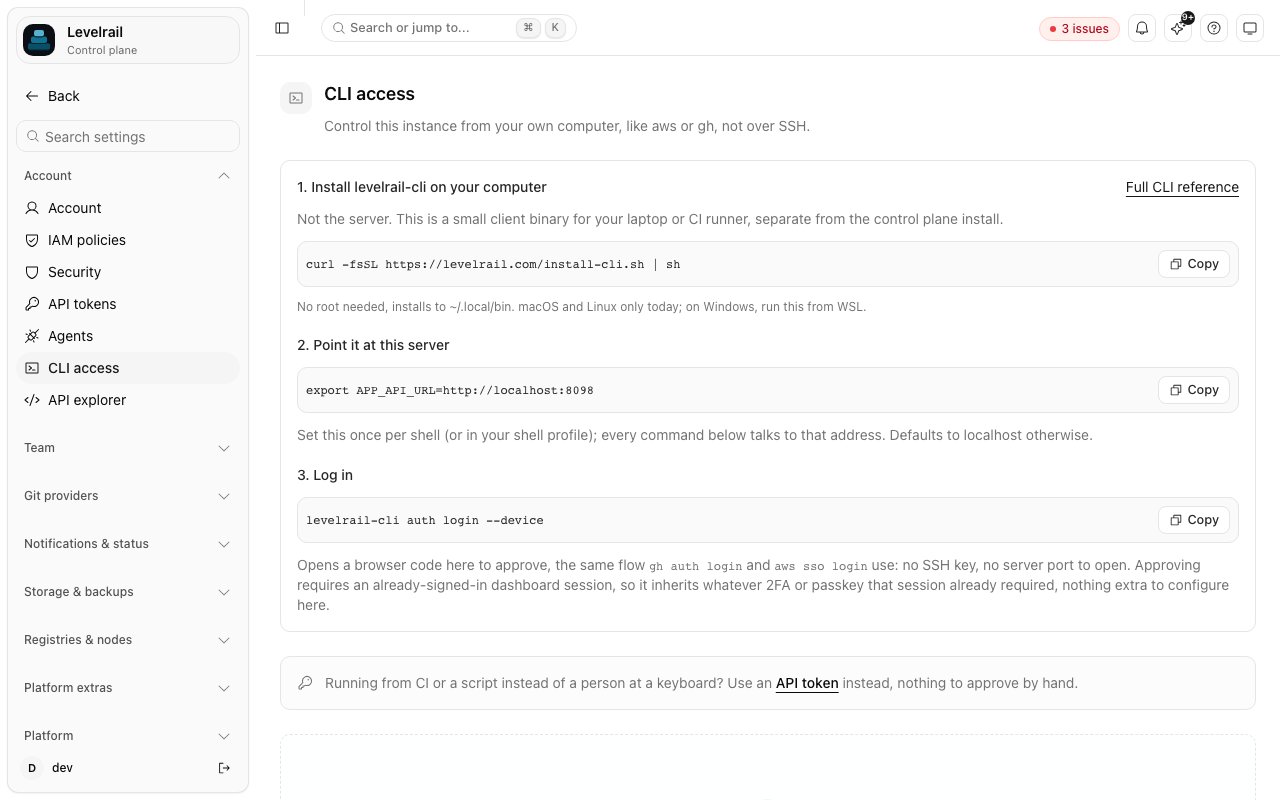
Mint a token and copy the install command for the CLI. Read more in [the guide](/cli-reference).
### CLI access
Mint a token and copy the install command for the CLI. Read more in [the guide](/cli-reference).
 ## Apps and deploys
### Apps
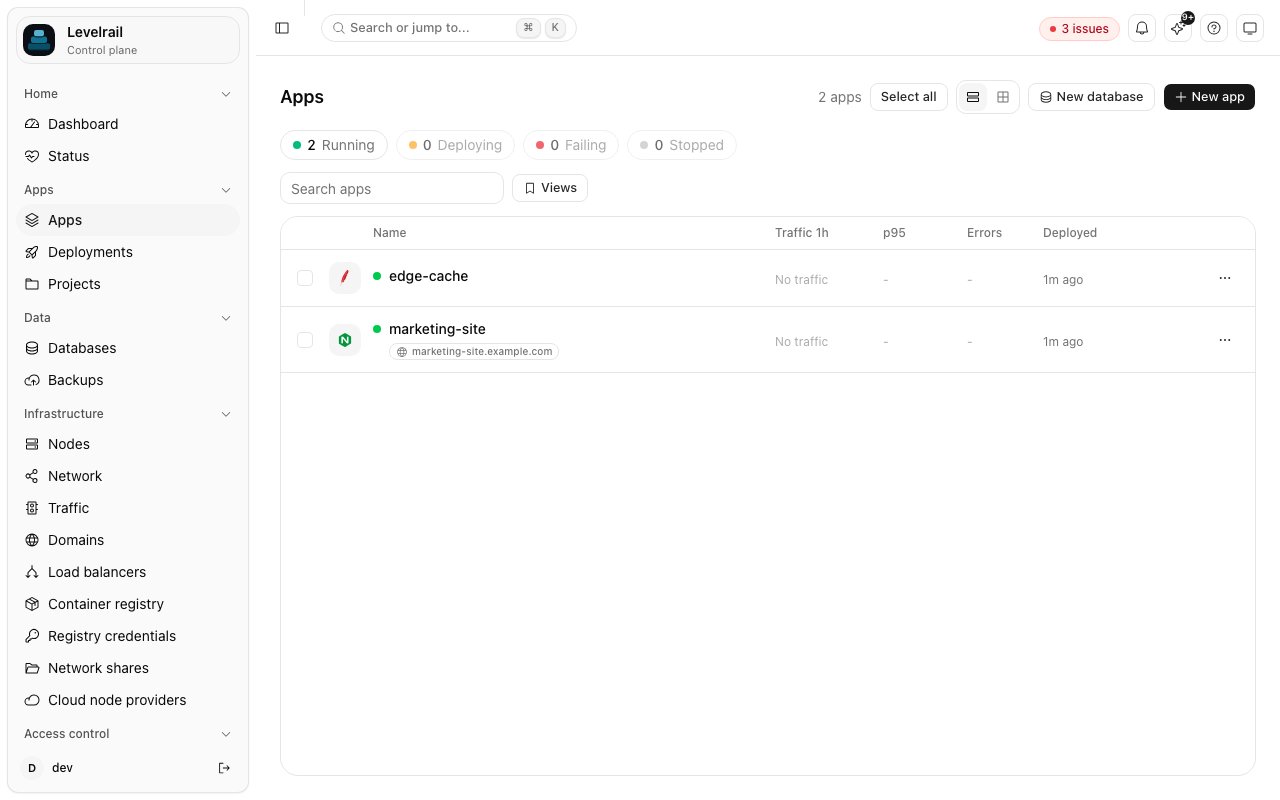
Every app with its status, replicas and last deploy. Read more in [the guide](/deploying-apps).
## Apps and deploys
### Apps
Every app with its status, replicas and last deploy. Read more in [the guide](/deploying-apps).
 ### App overview
One app: status, domains, resources and quick actions. Read more in [the guide](/deploying-apps).
### App overview
One app: status, domains, resources and quick actions. Read more in [the guide](/deploying-apps).
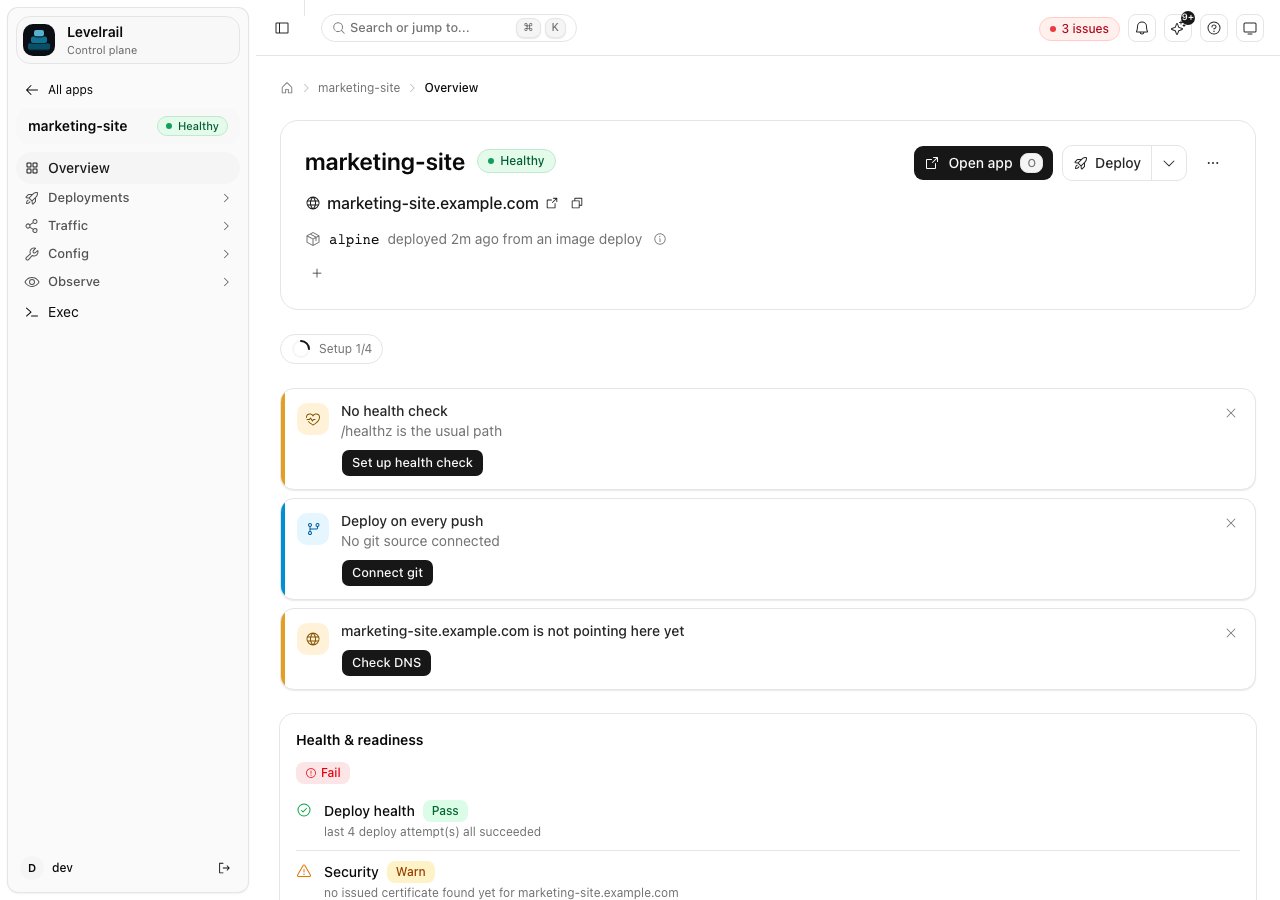 ### App source
Connect a repository or image and pick how it builds. Read more in [the guide](/git-integrations).
### App source
Connect a repository or image and pick how it builds. Read more in [the guide](/git-integrations).
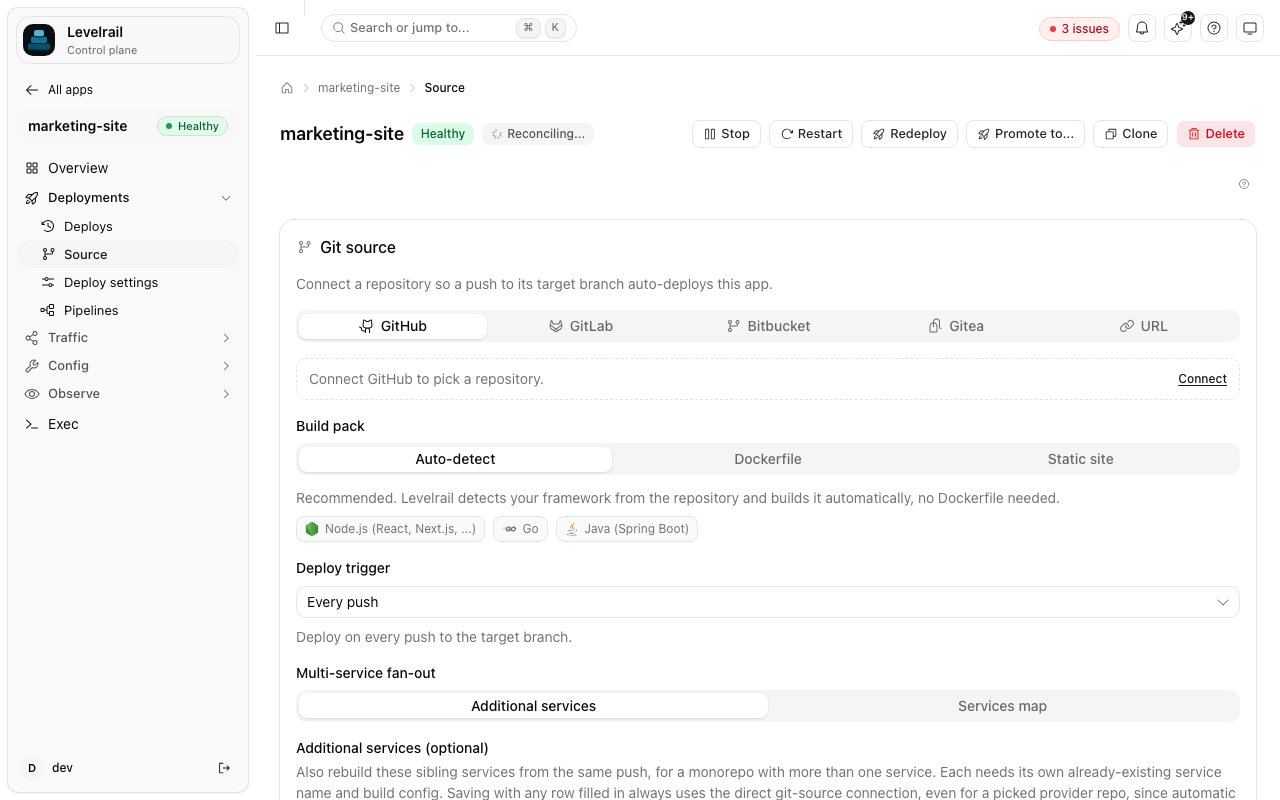 ### Environment and secrets
Variables and encrypted secrets per app. Read more in [the guide](/environment-and-secrets).
### Environment and secrets
Variables and encrypted secrets per app. Read more in [the guide](/environment-and-secrets).
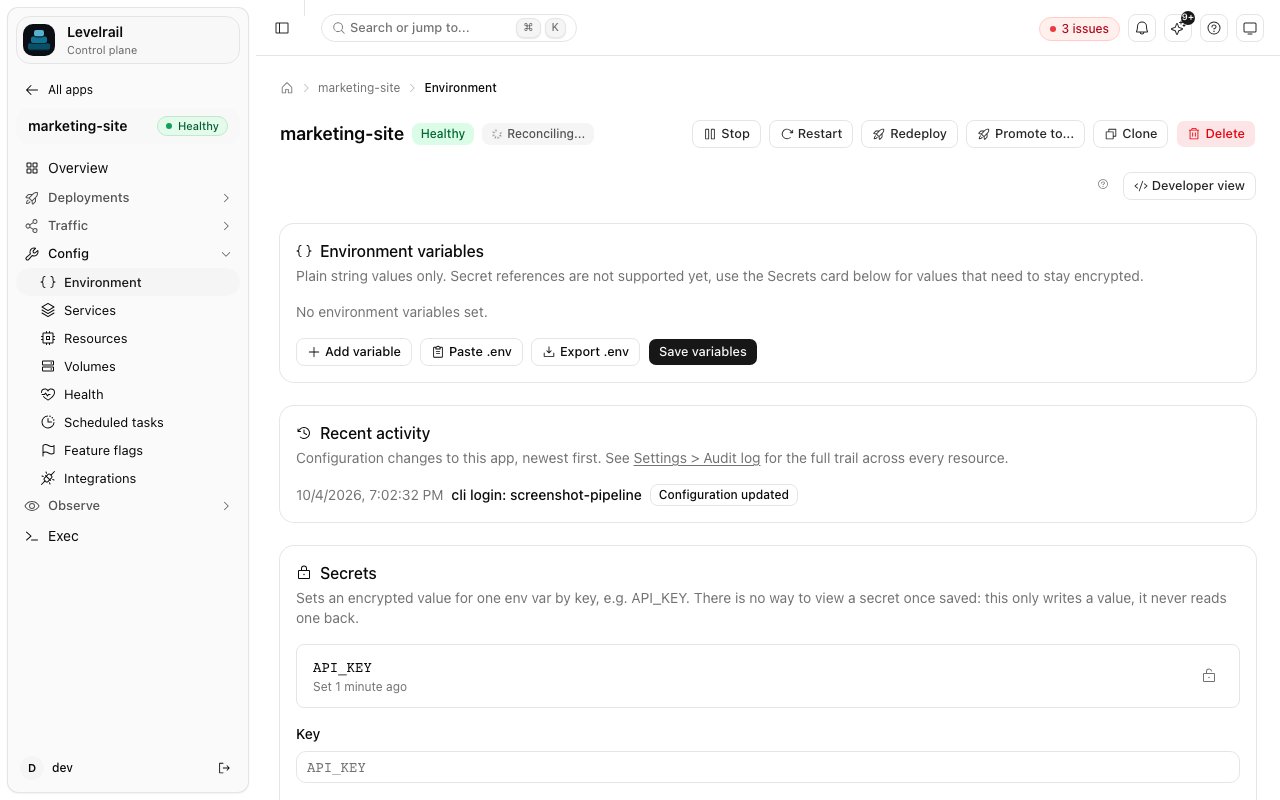 ### Deploy settings
Strategy, health checks, schedules and approvals. Read more in [the guide](/deploy-safety).
### Deploy settings
Strategy, health checks, schedules and approvals. Read more in [the guide](/deploy-safety).
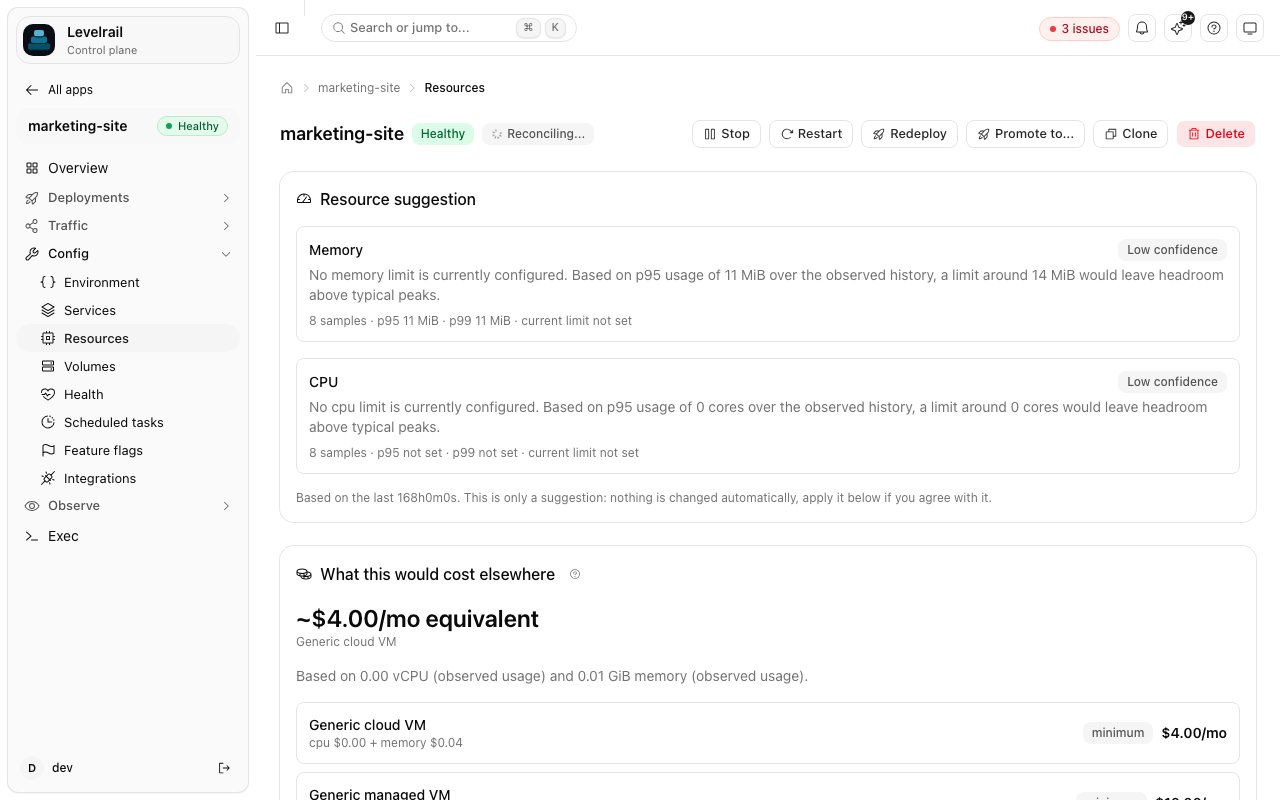
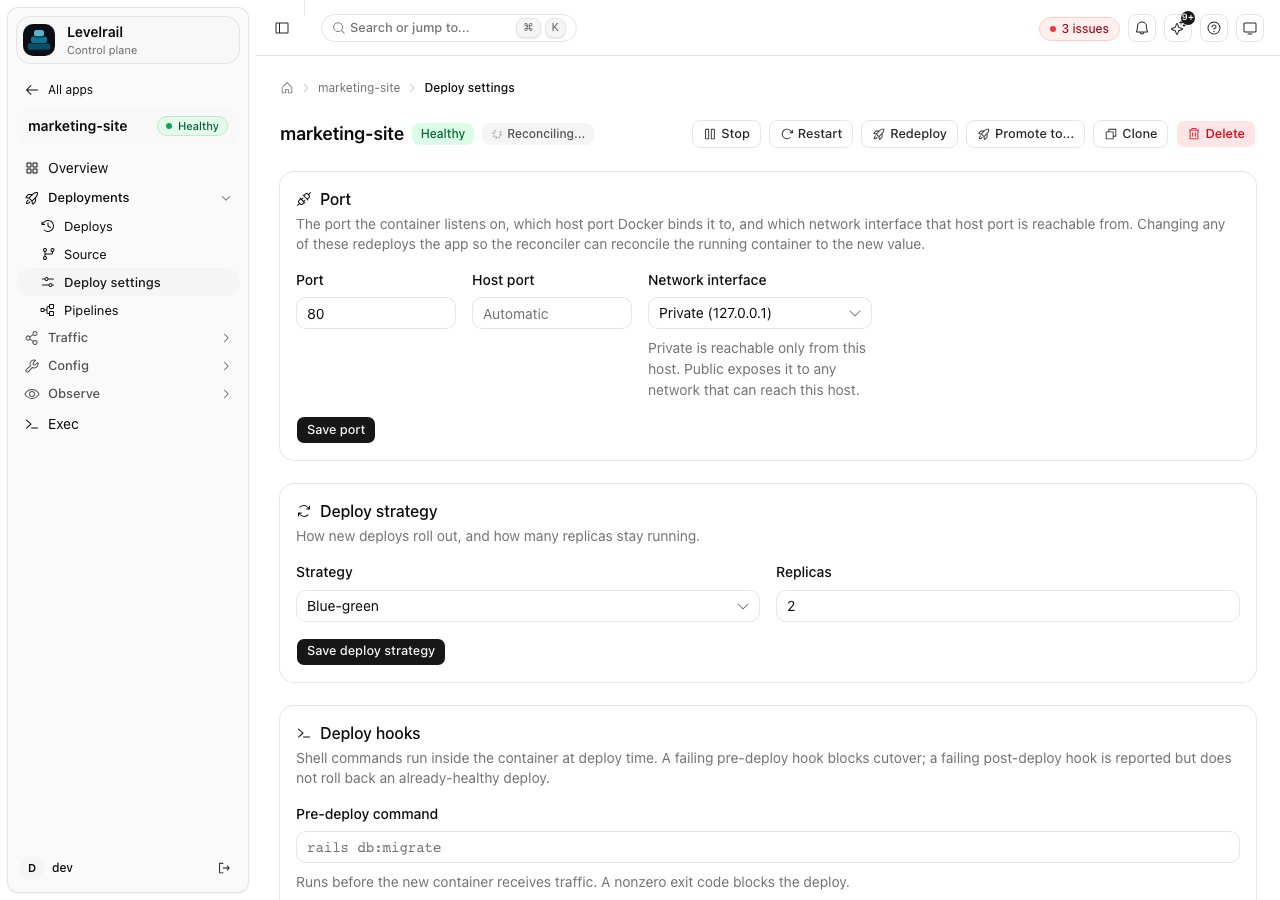 ### Resources
CPU and memory limits with live usage. Read more in [the guide](/resource-advisor).
### Resources
CPU and memory limits with live usage. Read more in [the guide](/resource-advisor).
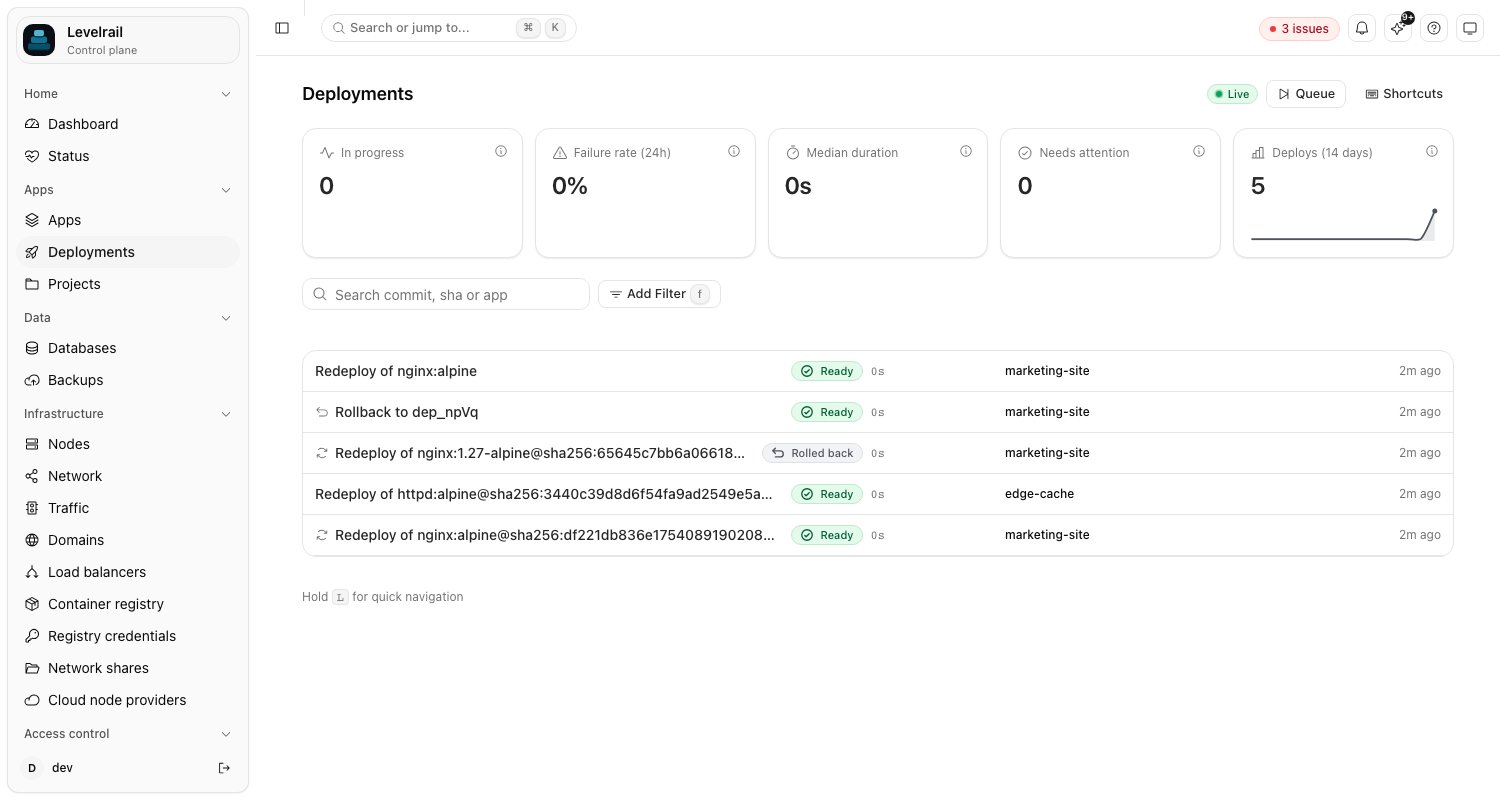
 ### Deploy history
Every deploy with its status, commit and one-click rollback. Read more in [the guide](/deployments-page).
### Deploy history
Every deploy with its status, commit and one-click rollback. Read more in [the guide](/deployments-page).
 ### All deployments
Deploys across every app in one list. Read more in [the guide](/deployments-page).
### All deployments
Deploys across every app in one list. Read more in [the guide](/deployments-page).
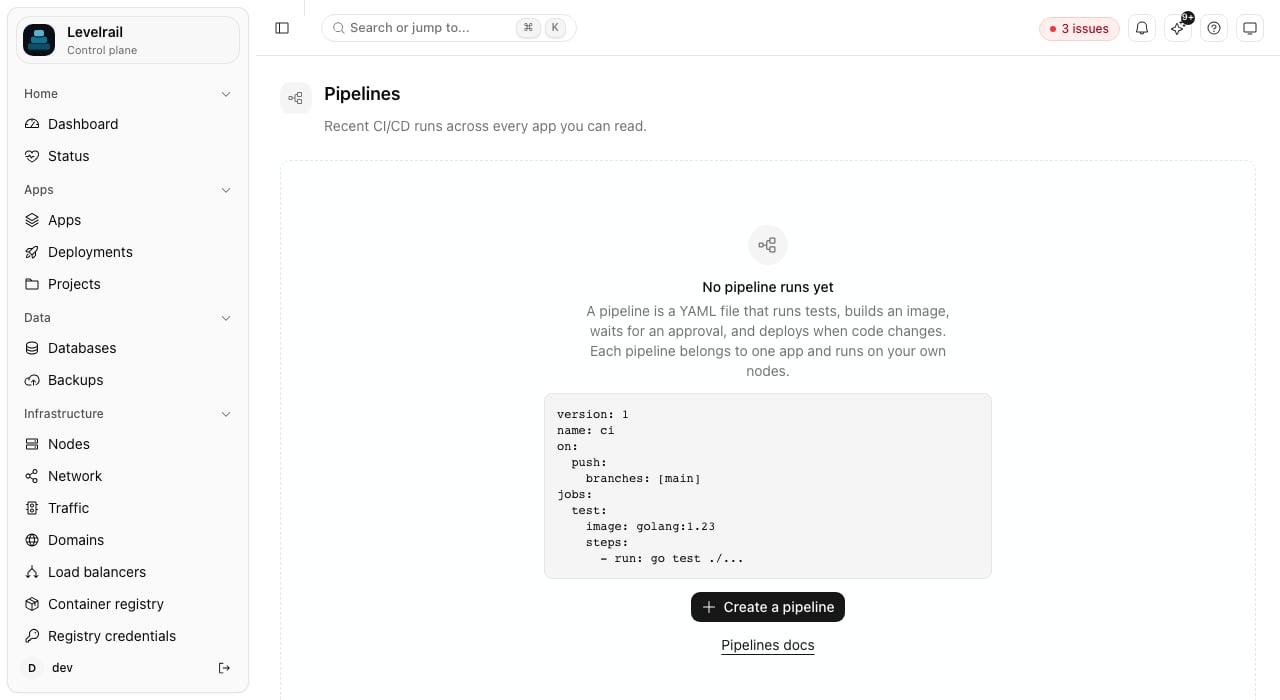
 ### Pipelines
Build, test and deploy steps that run on your own nodes. Read more in [the guide](/pipelines).
### Pipelines
Build, test and deploy steps that run on your own nodes. Read more in [the guide](/pipelines).
 ## Observe
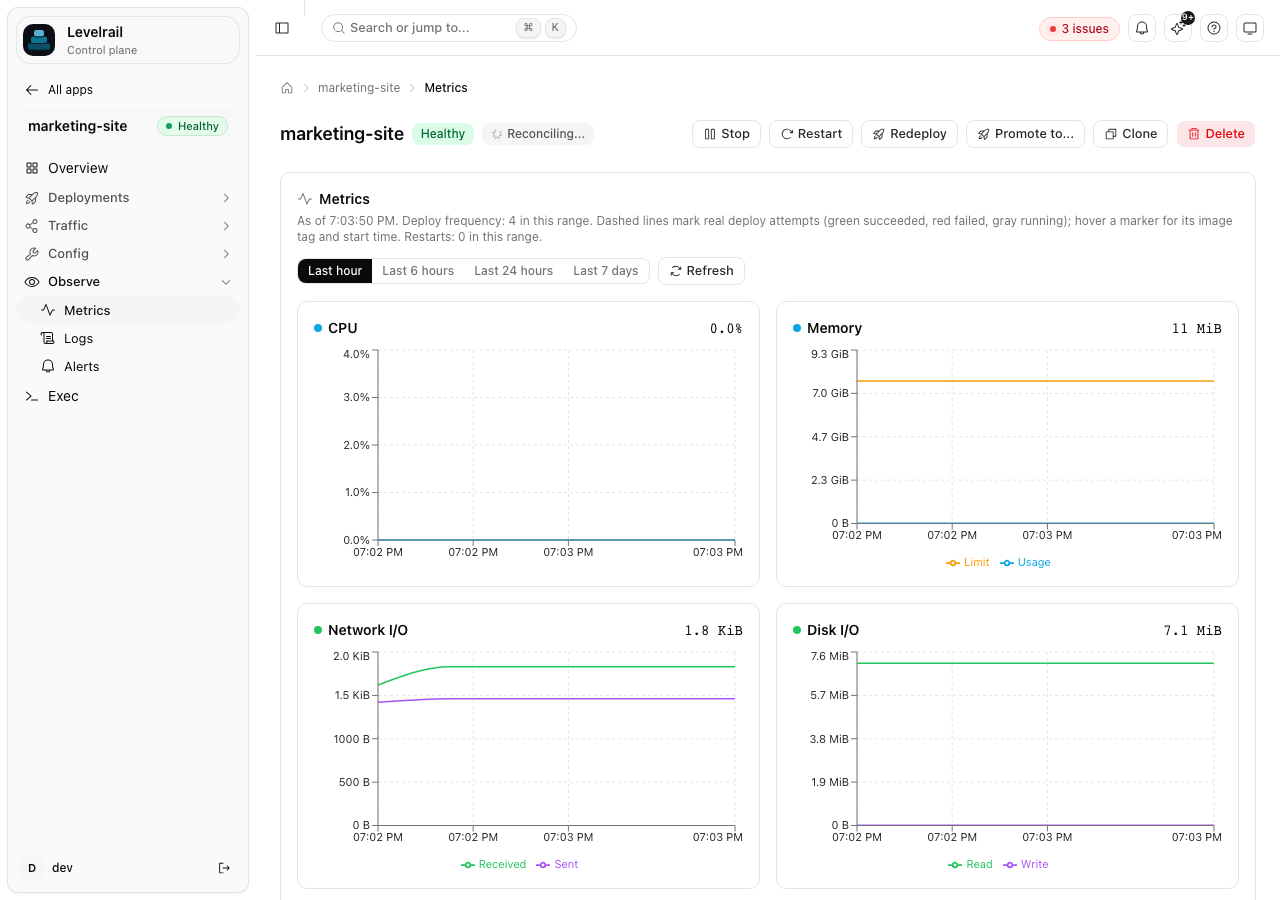
### Metrics
CPU, memory, requests and deploy markers on the same chart. Read more in [the guide](/observability).
## Observe
### Metrics
CPU, memory, requests and deploy markers on the same chart. Read more in [the guide](/observability).
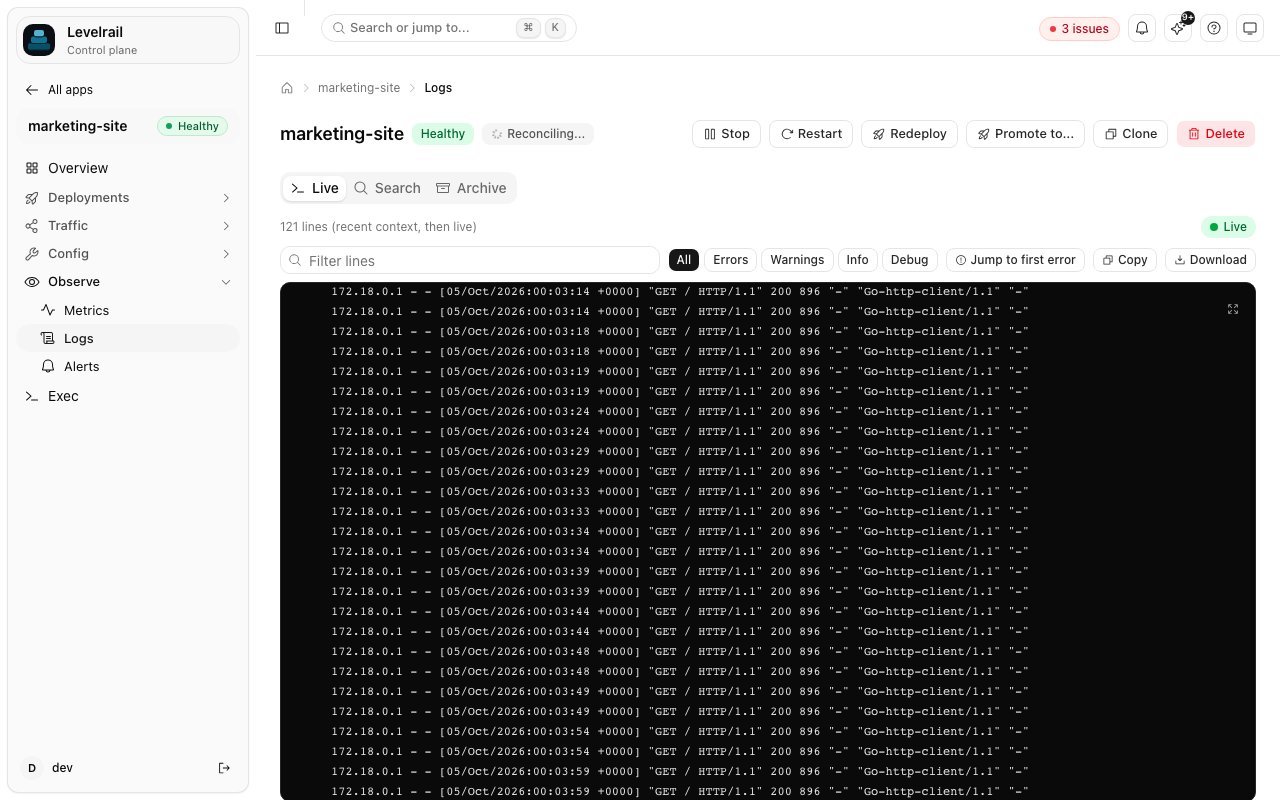
 ### Logs
Full-text search and a live tail over the node-local log store. Read more in [the guide](/observability).
### Logs
Full-text search and a live tail over the node-local log store. Read more in [the guide](/observability).
 ## Data
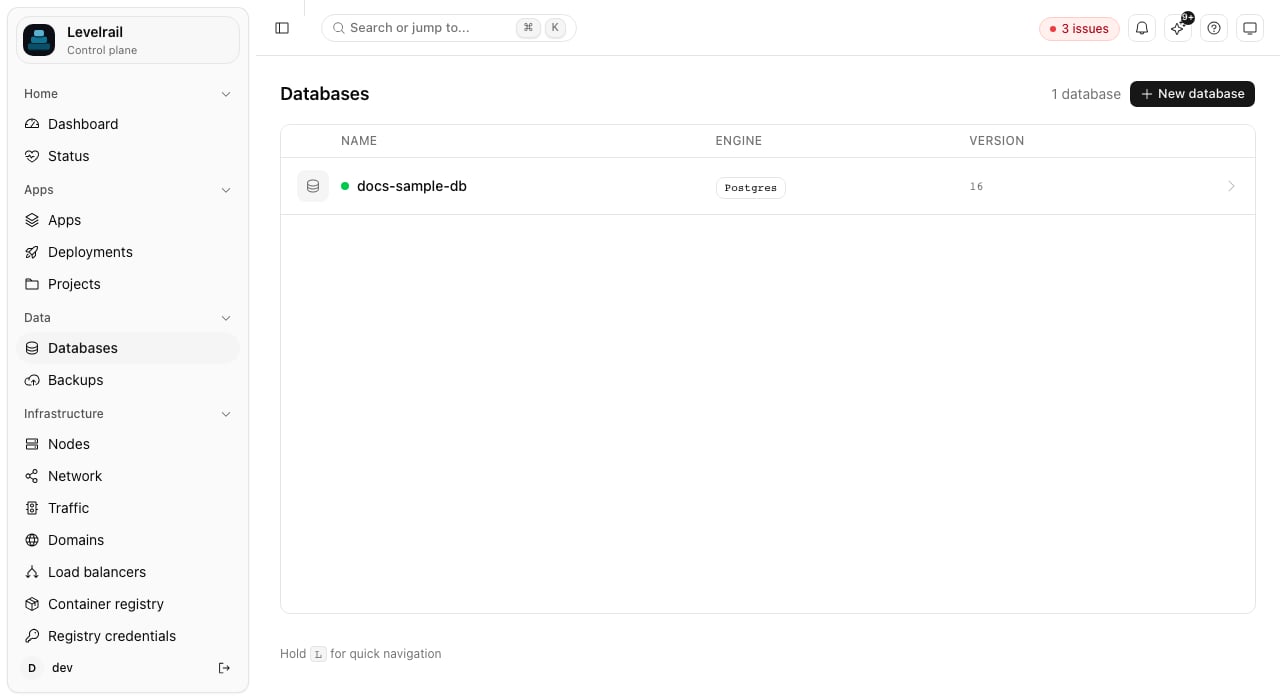
### Databases
Managed Postgres, MySQL, Redis and more. Read more in [the guide](/managing-databases).
## Data
### Databases
Managed Postgres, MySQL, Redis and more. Read more in [the guide](/managing-databases).
 ### Database overview
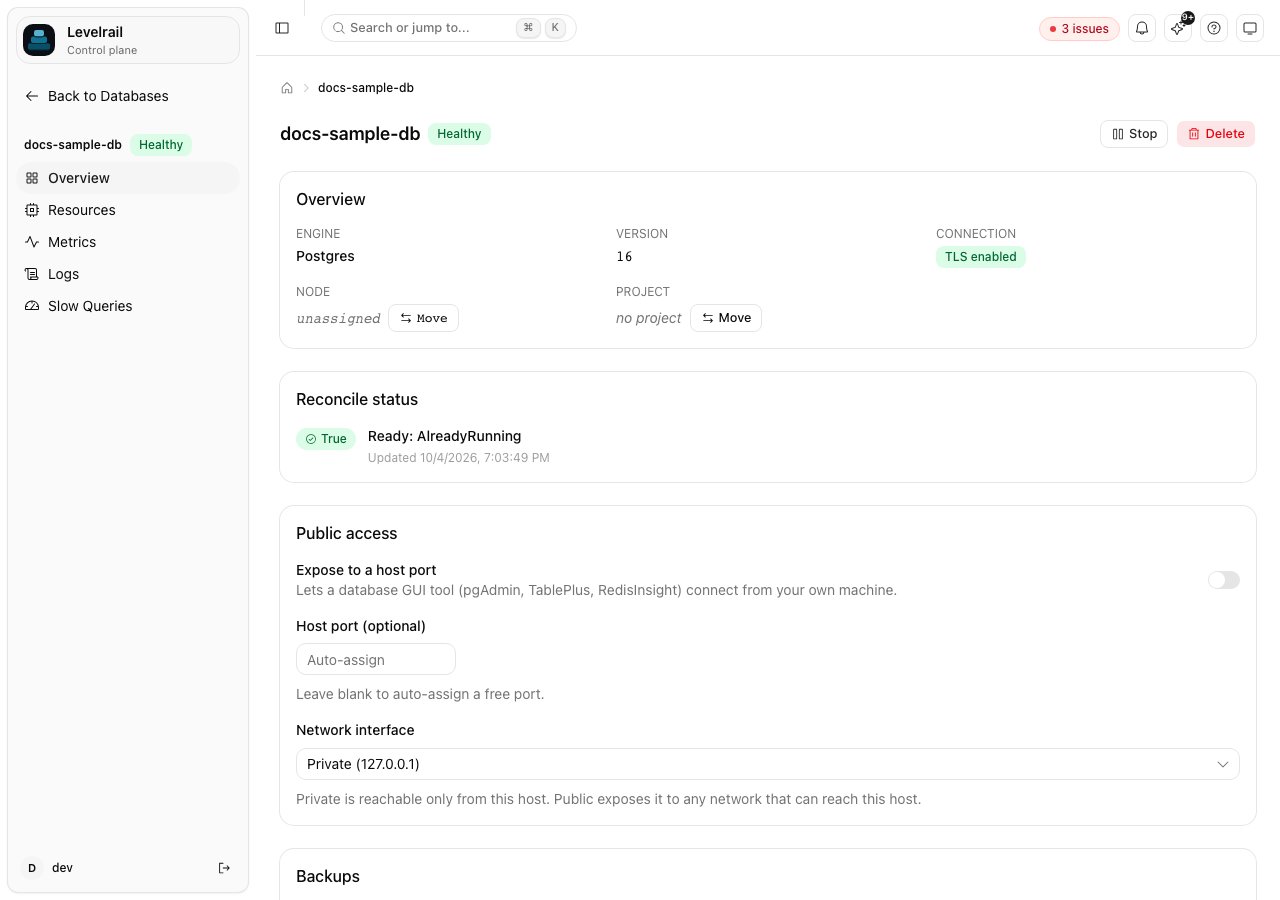
Connection details, backups and version for one database. Read more in [the guide](/managing-databases).
### Database overview
Connection details, backups and version for one database. Read more in [the guide](/managing-databases).
 ### Backups
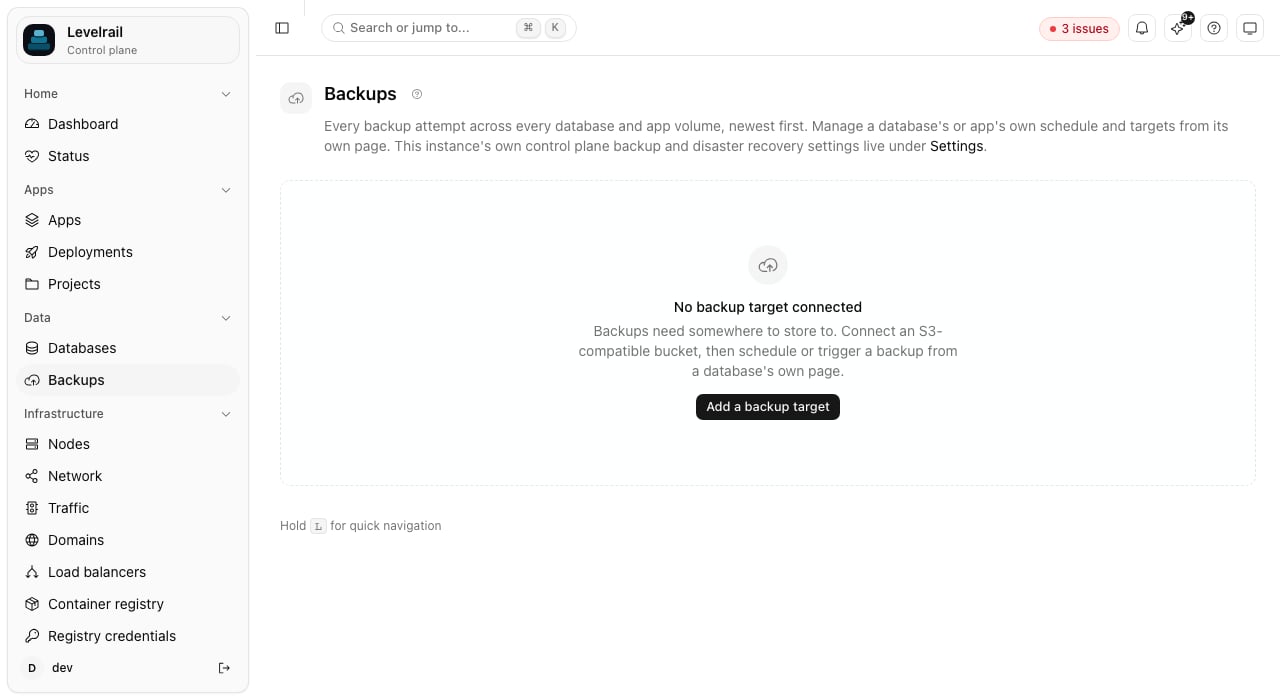
Backup targets, schedules and restore points. Read more in [the guide](/backups-and-storage).
### Backups
Backup targets, schedules and restore points. Read more in [the guide](/backups-and-storage).
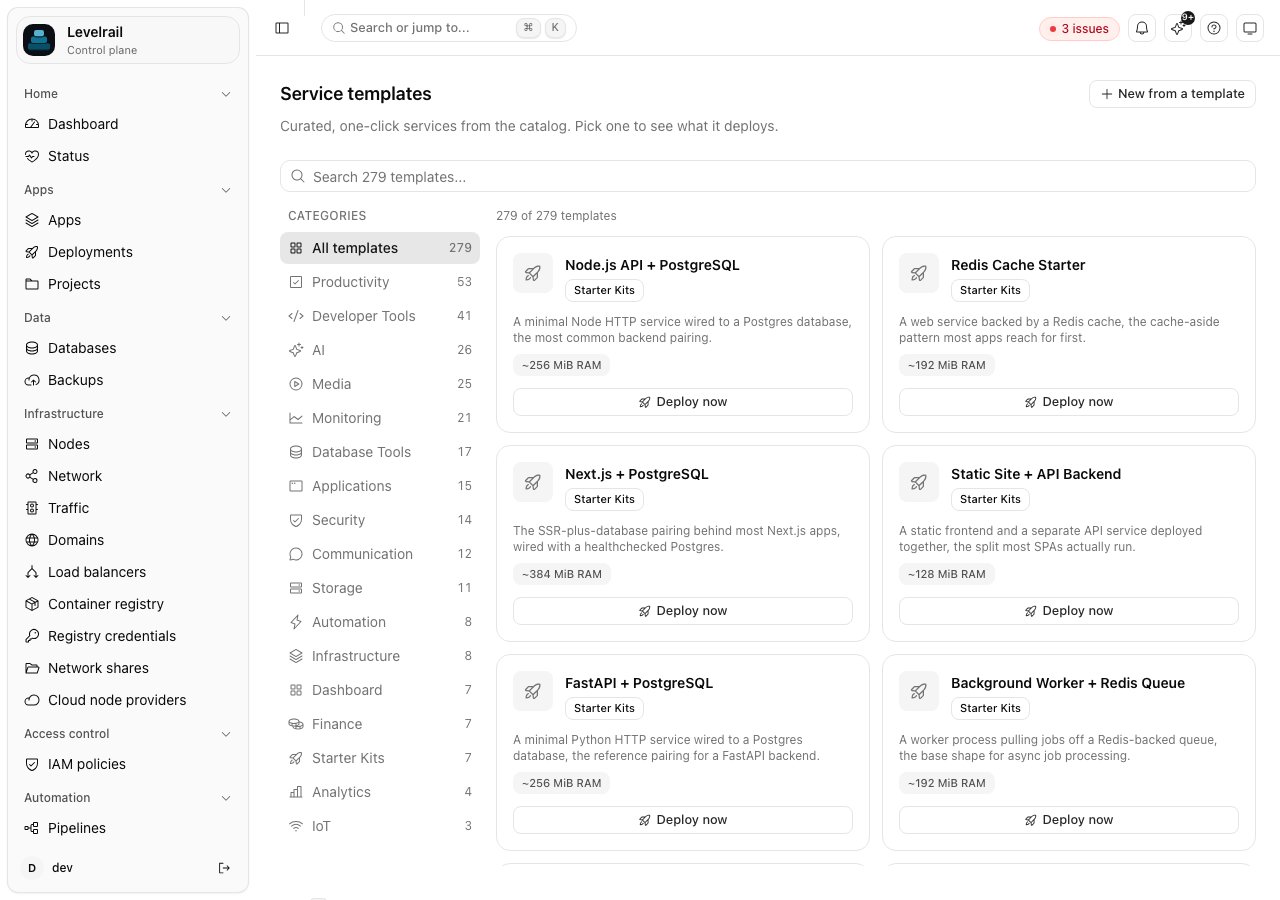
 ### Template catalog
One-click services from the curated catalog. Read more in [the guide](/templates-and-registry).
### Template catalog
One-click services from the curated catalog. Read more in [the guide](/templates-and-registry).
 ## Network and nodes
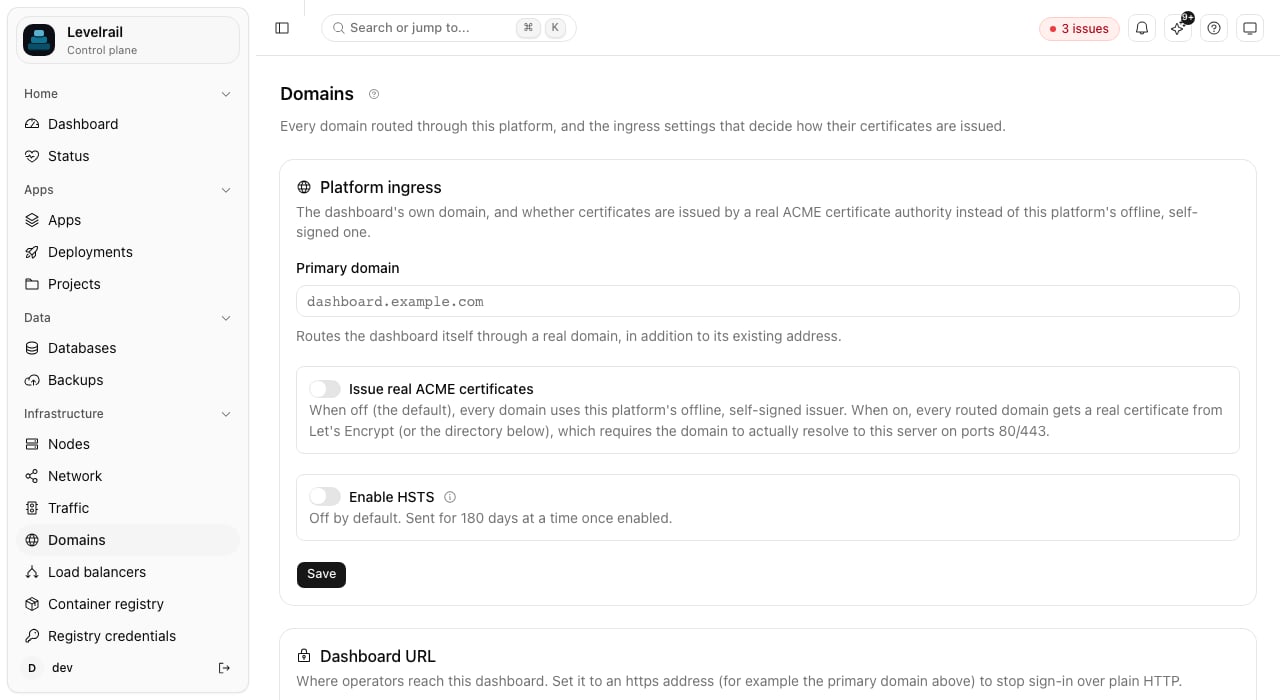
### Domains
Domains, certificates and the platform ingress settings. Read more in [the guide](/domains-and-ingress).
## Network and nodes
### Domains
Domains, certificates and the platform ingress settings. Read more in [the guide](/domains-and-ingress).
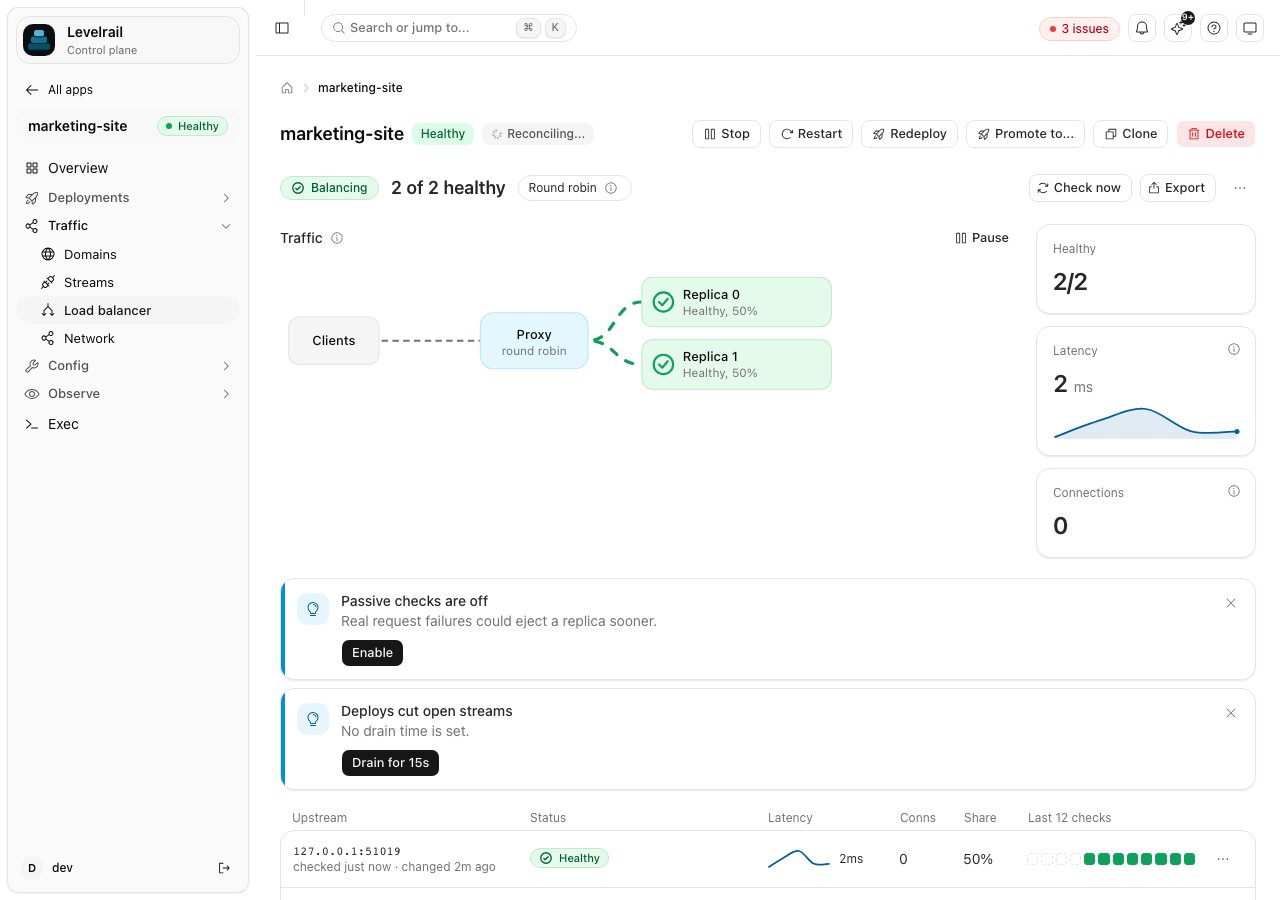
 ### Load balancer
Upstreams and drain behaviour across replicas. Read more in [the guide](/load-balancing).
### Load balancer
Upstreams and drain behaviour across replicas. Read more in [the guide](/load-balancing).
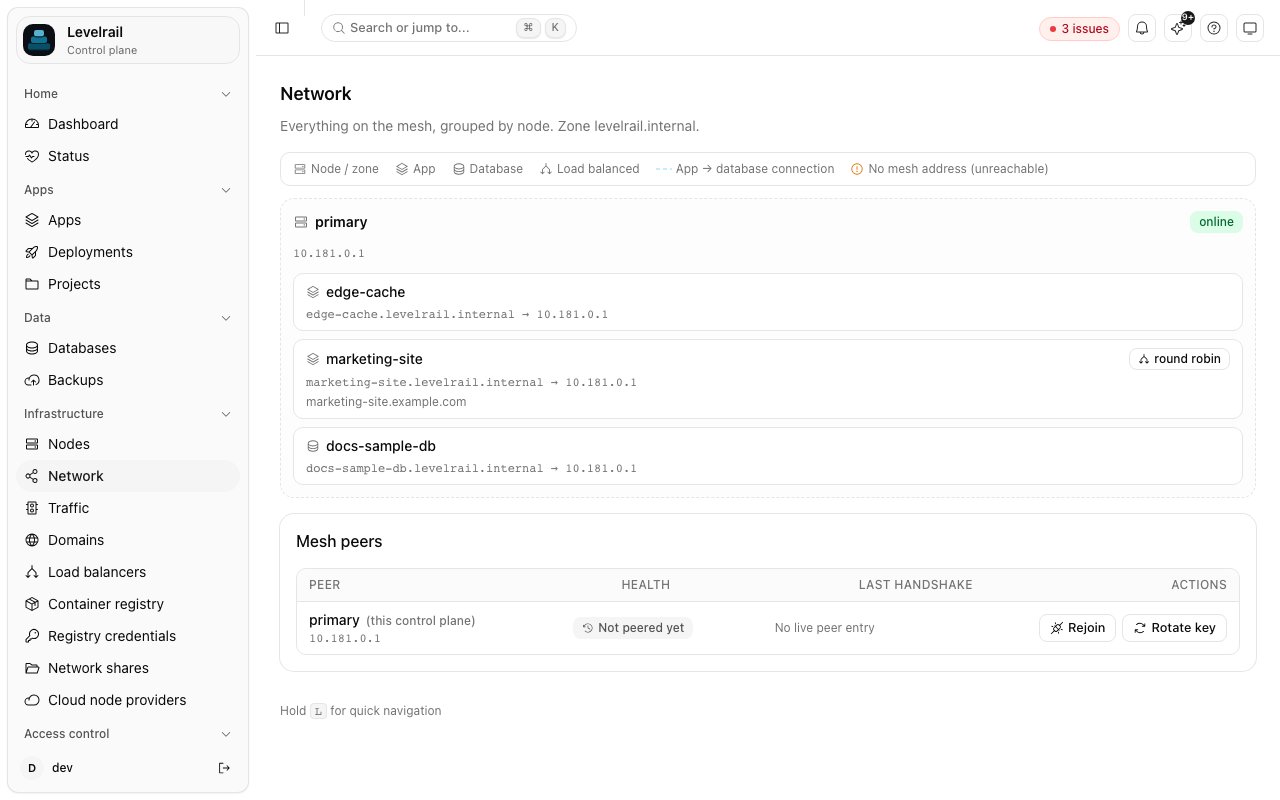
 ### Network topology
How nodes, apps and databases connect. Read more in [the guide](/network-topology).
### Network topology
How nodes, apps and databases connect. Read more in [the guide](/network-topology).
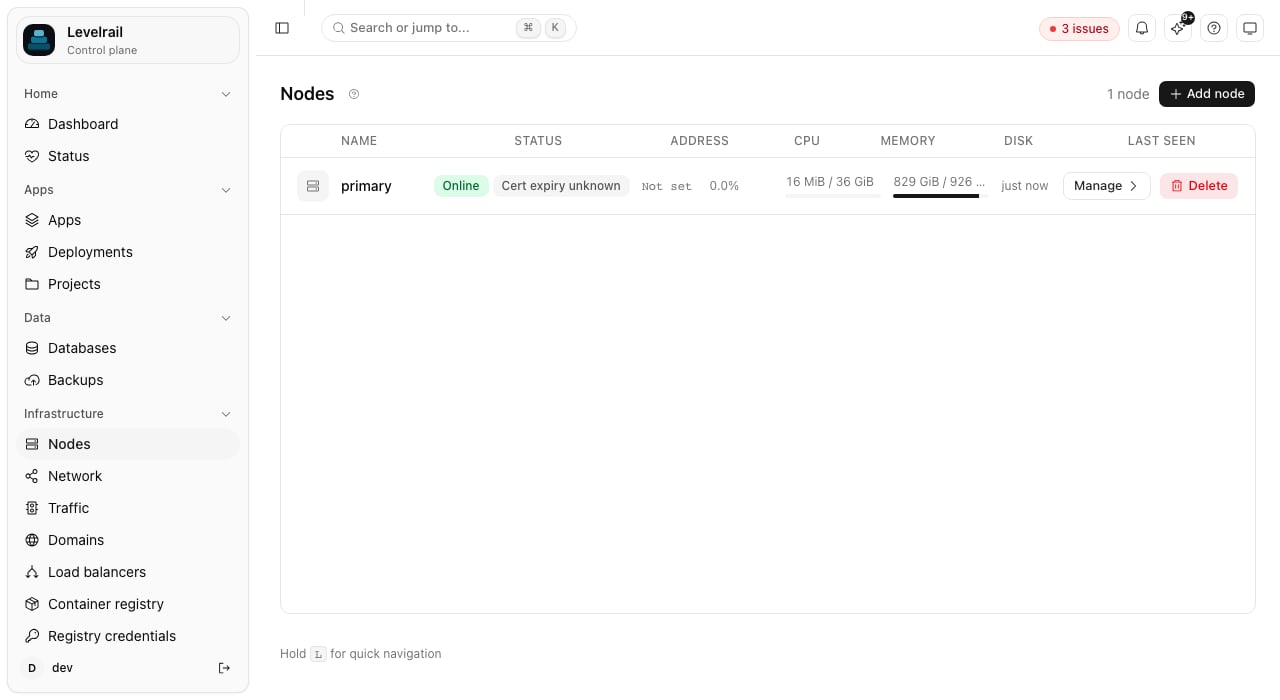
 ### Nodes
Enrolled servers with health, workload kinds and drain controls. Read more in [the guide](/multi-node).
### Nodes
Enrolled servers with health, workload kinds and drain controls. Read more in [the guide](/multi-node).
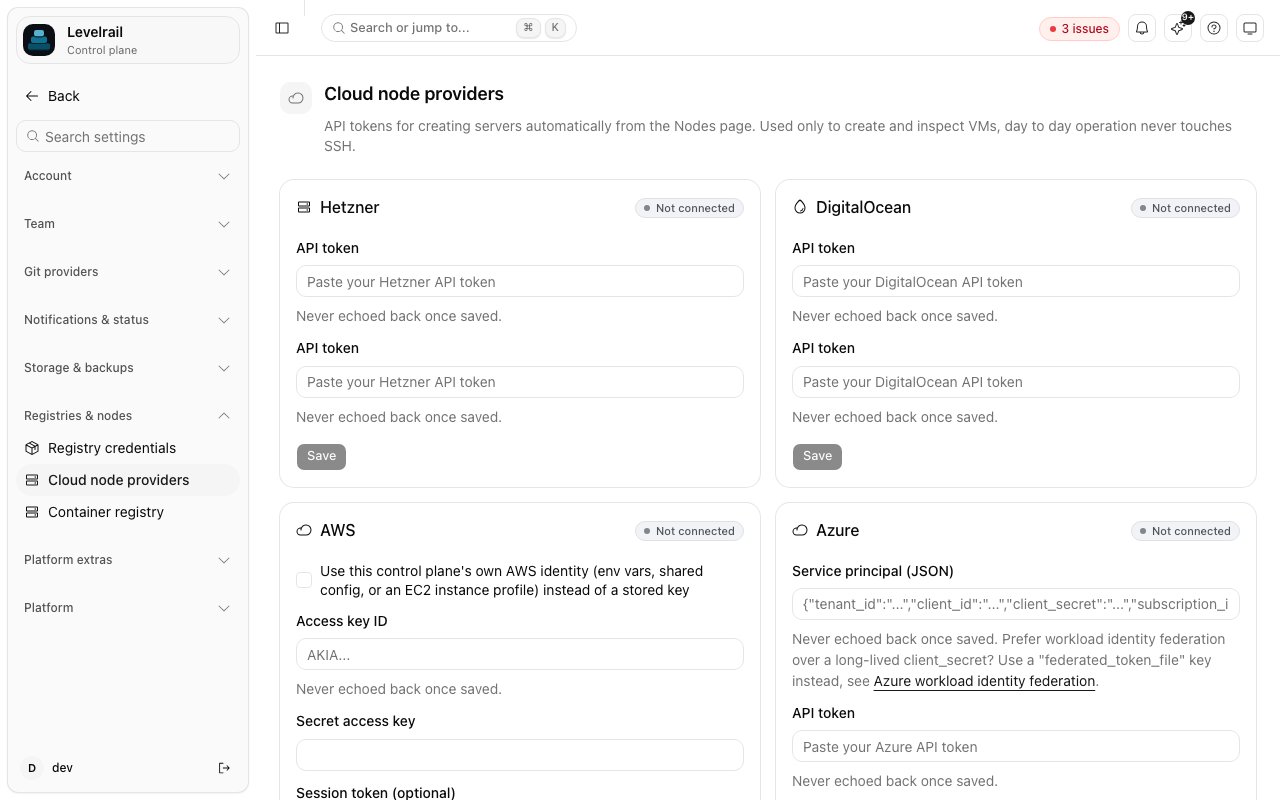
 ### Cloud node providers
Connect a cloud account to create servers from the dashboard. Read more in [the guide](/node-provisioning).
### Cloud node providers
Connect a cloud account to create servers from the dashboard. Read more in [the guide](/node-provisioning).
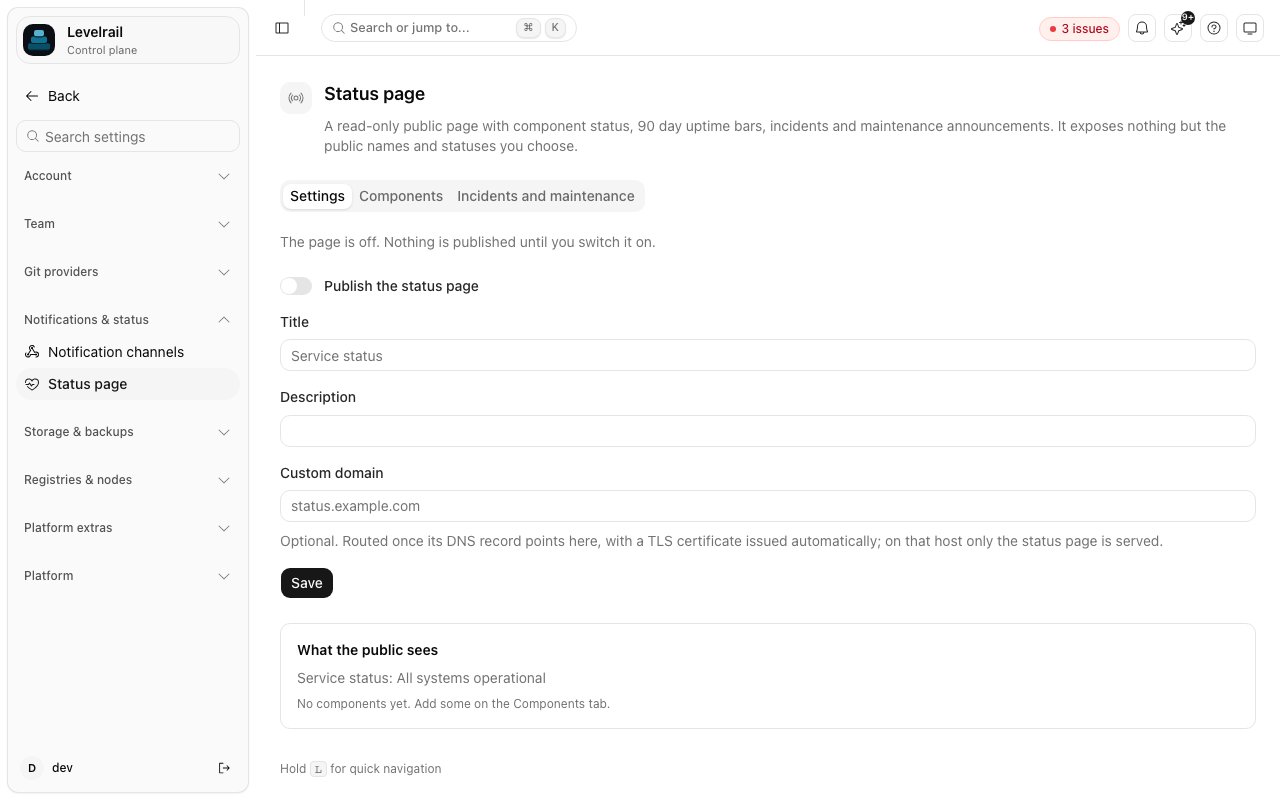
 ### Public status page
Choose which components to publish and how. Read more in [the guide](/status-page).
### Public status page
Choose which components to publish and how. Read more in [the guide](/status-page).
 This documentation is built and hosted on [Mintlify](https://mintlify.com), a developer documentation platform.